Drop in a PDF, DOCX, plain text, Markdown, or LaTex file.
 Free Mistral AI for TP, homework & technical work
Your assignment in.
Your report out.
Give NullDraft the assignment and let Mistral generate the steps and screenshots you need. Capture the proof as you work, then turn it into a fast, high-quality report.
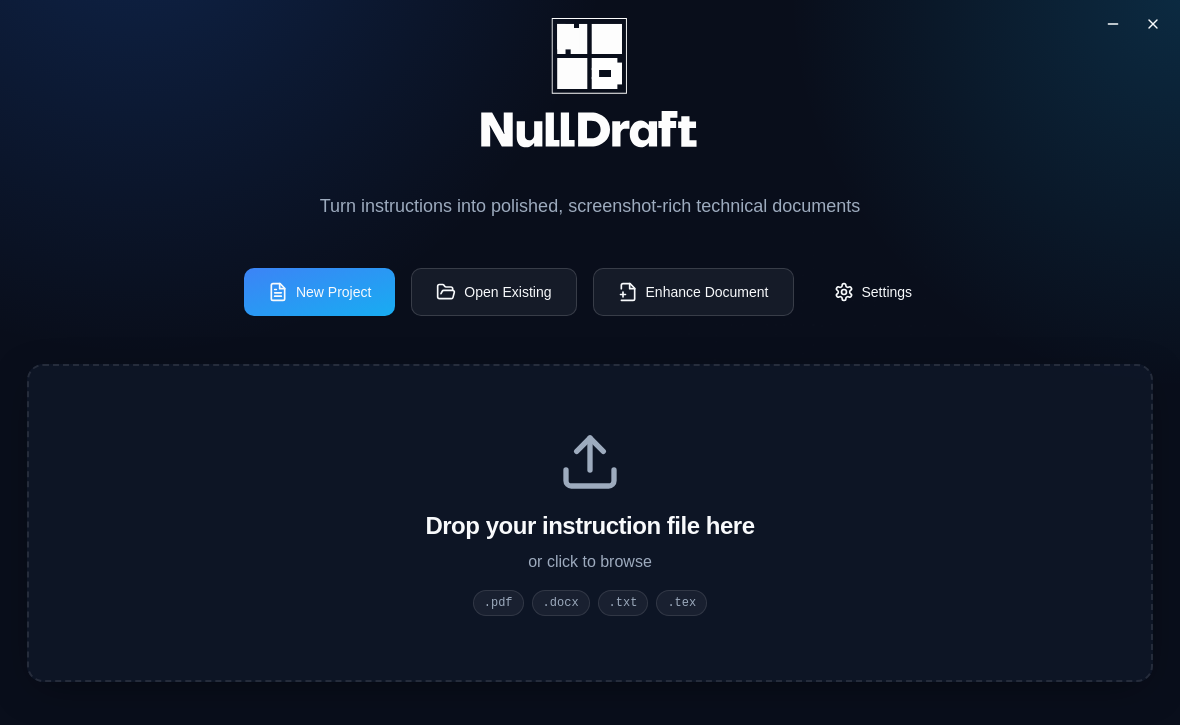
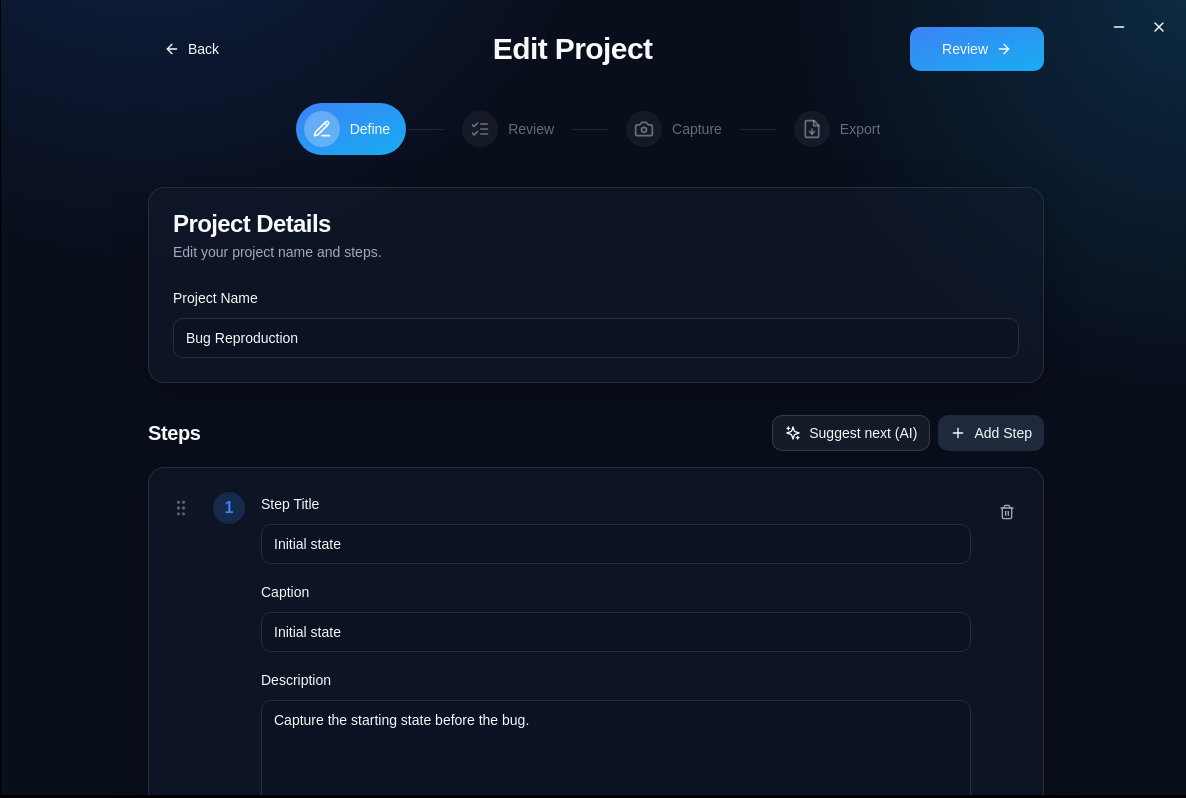
Get practical steps and screenshot targets before you begin.
Build a clear report, compte rendu, or technical document from your evidence.
Free AI for the steps · quality for the hand-in
Start with Mistral. Finish with a report you trust.
NullDraft gives the project a structure before you start, so the screenshots and explanation are collected at the moment they are useful.
Turn the brief into a working plan.
Use the free Mistral API to break instructions into editable steps and see what proof each step needs.
Your plan stays tied to one project.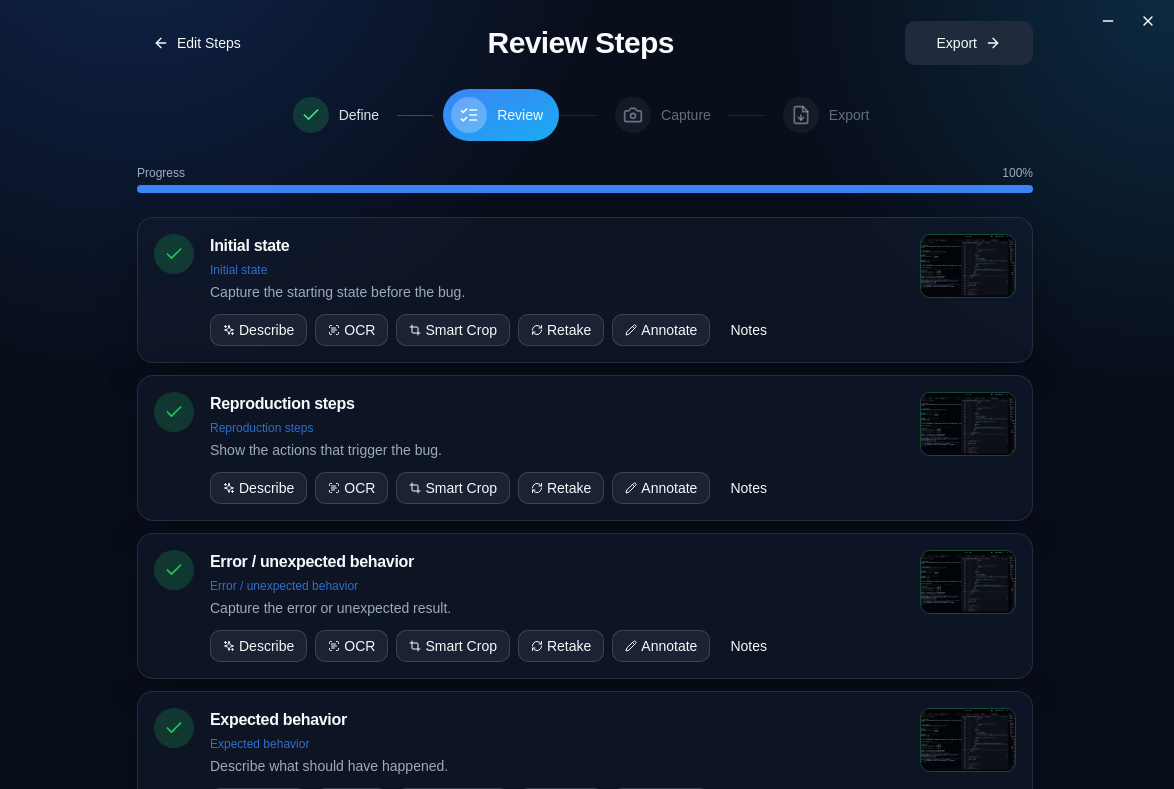
Collect evidence while you work.
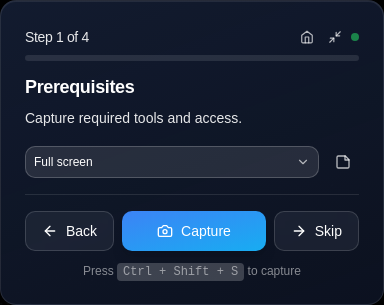
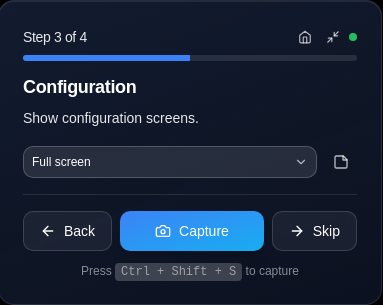
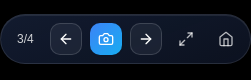
Use the compact HUD to move through the plan, capture the screen, and keep the work moving without losing your place.
The review screen shows what is complete and what is missing.Keep the next step close
A HUD that stays out of the way.
The floating controls give you one job at a time: capture the evidence, move forward, and return to the work. No tab switching just to remember what comes next.
- Move between steps
- Capture the whole screen or a chosen area
- Skip, revisit, or edit the plan when the work changes
When the work is done
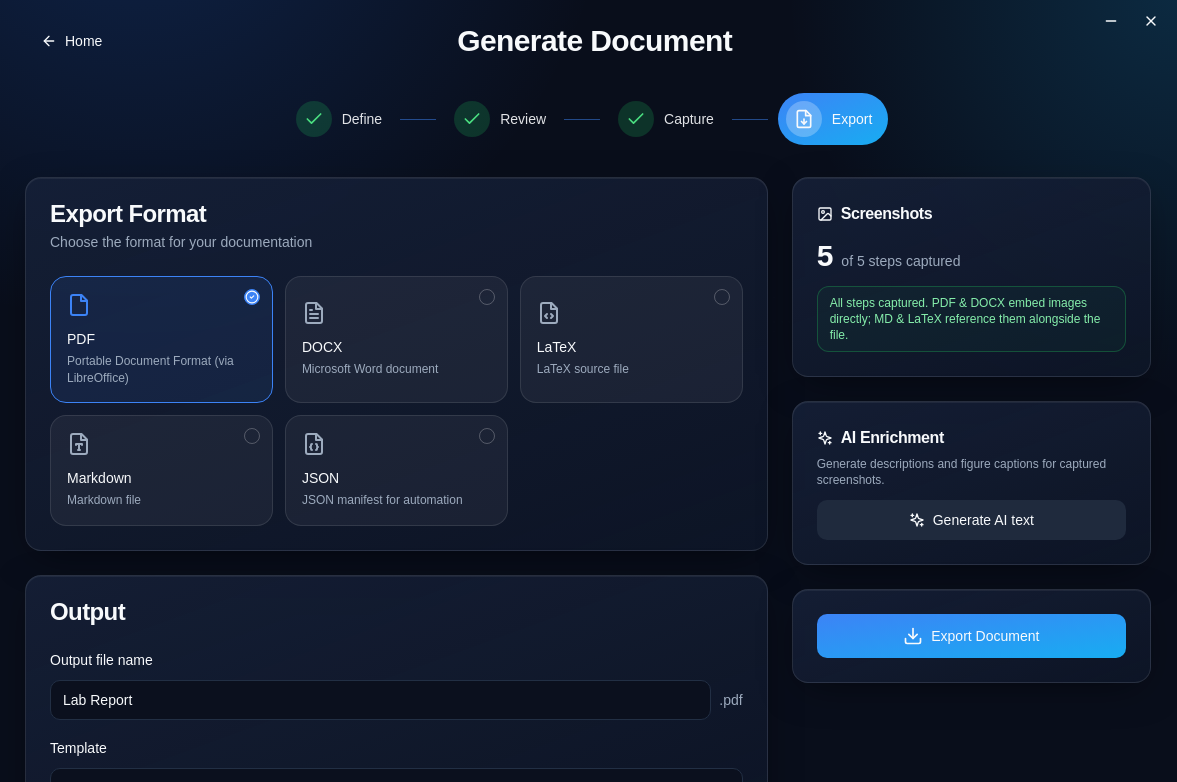
Turn screenshots into a high-quality report.
NullDraft turns raw proof into a clear final document without making you begin from an empty page.
Explain every image
Generate a useful caption or a clear explanation from a captured screen.
Write a strong first draft
Bring your steps, descriptions, and proof together in a polished report or compte rendu.
Make evidence easy to read
Annotate, highlight, blur, crop, and use OCR when a screenshot needs context.
Your work stays with youInstall once.
Install once.
Work offline.
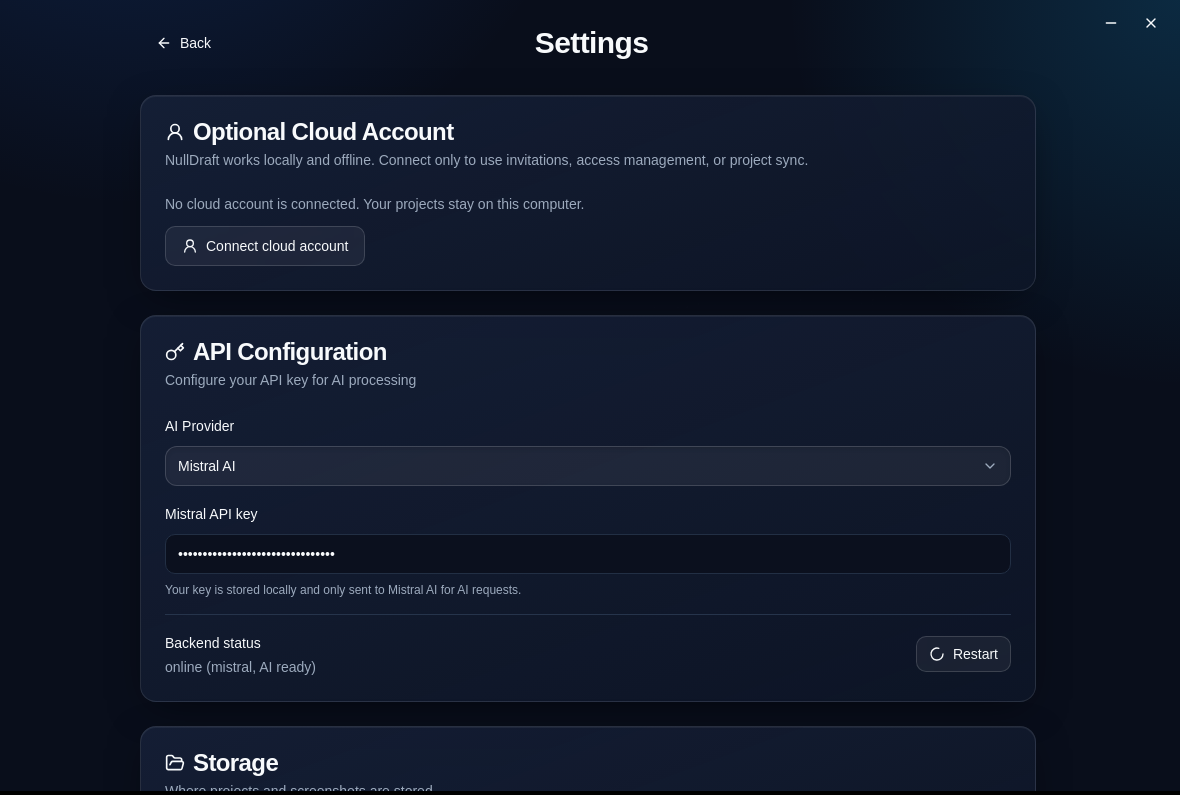
NullDraft is a desktop app first. Your projects, screenshots, and AI keys live on your computer. Cloud sync is optional—not required to use the app.
Local projectsOffline captureFree Mistral API
Start your next projectFree AI steps.
Free AI steps.
Better reports.
Use NullDraft with the free Mistral API for your next TP, homework, lab, or technical document.